Dispatch Messages
Find messages, see dispatch status and locate related MEL references.
Your references. Right where you are.
A clear, fast reference for everyday A350 line maintenance. Less searching. More focus on the task.
app.350tool.com
The references you use every day, organised into a fast, readable mobile experience.
Find messages, see dispatch status and locate related MEL references.
Search CBs by reference, FIN or panel, with session status tracking.
Browse ATA chapters and search maintenance procedure titles.
Quick overviews of aircraft systems with an easy-to-navigate layout.
Scroll to explore the actual A350 Line Tools screens. The iPhone preview updates as you move through the page.
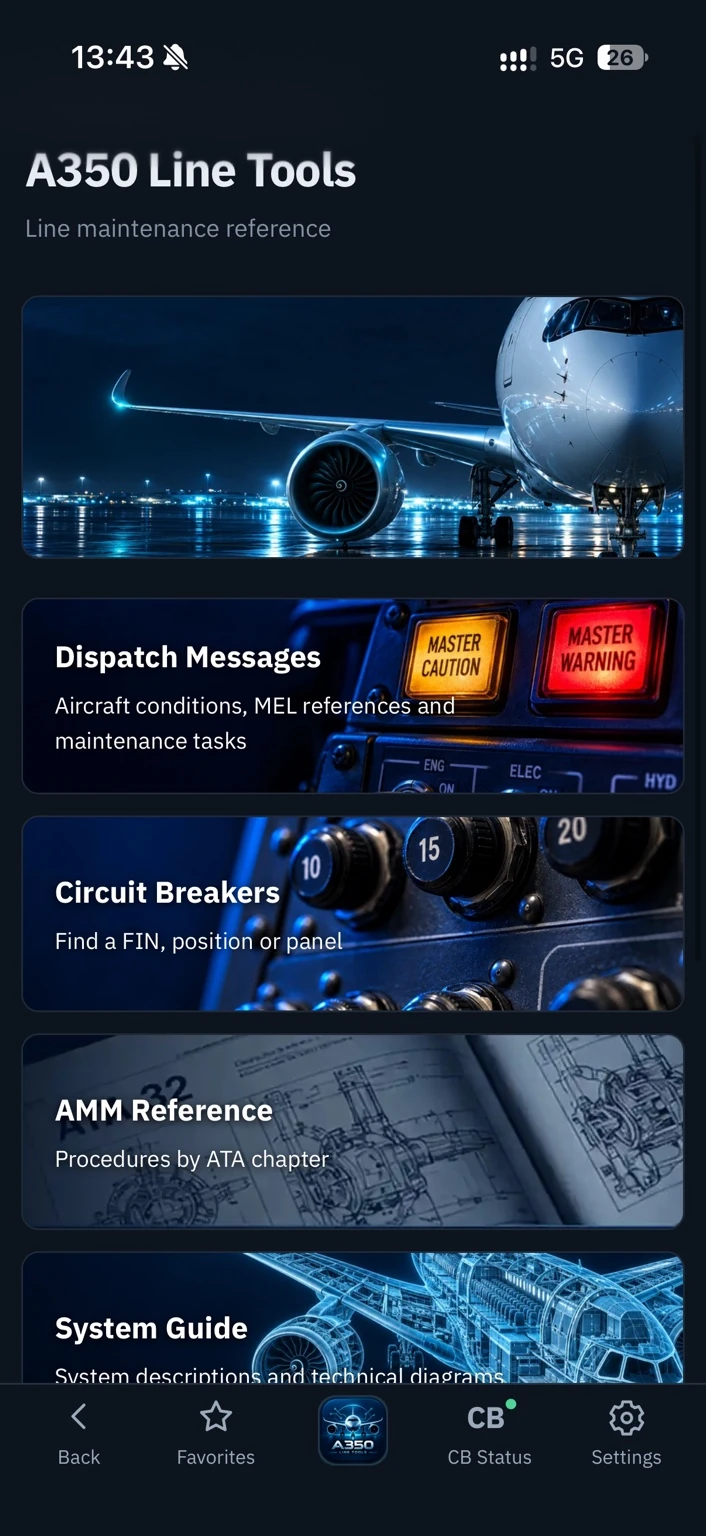
Start with the essential modules in a clean dashboard. Every tool is just a tap away, with quick access to your references and CB status.
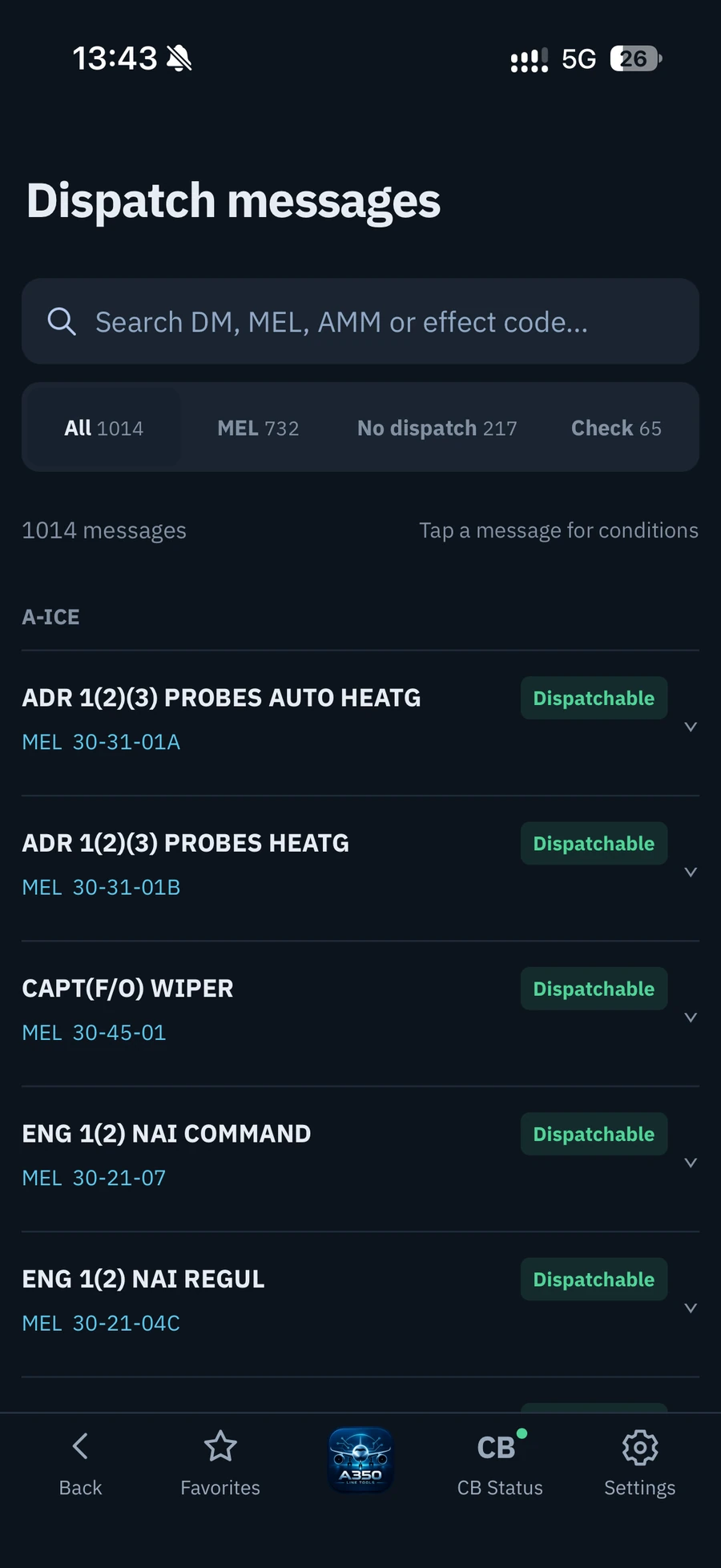
Search dispatch messages and immediately distinguish the status shown in the reference. Open an entry for its conditions and related MEL details.
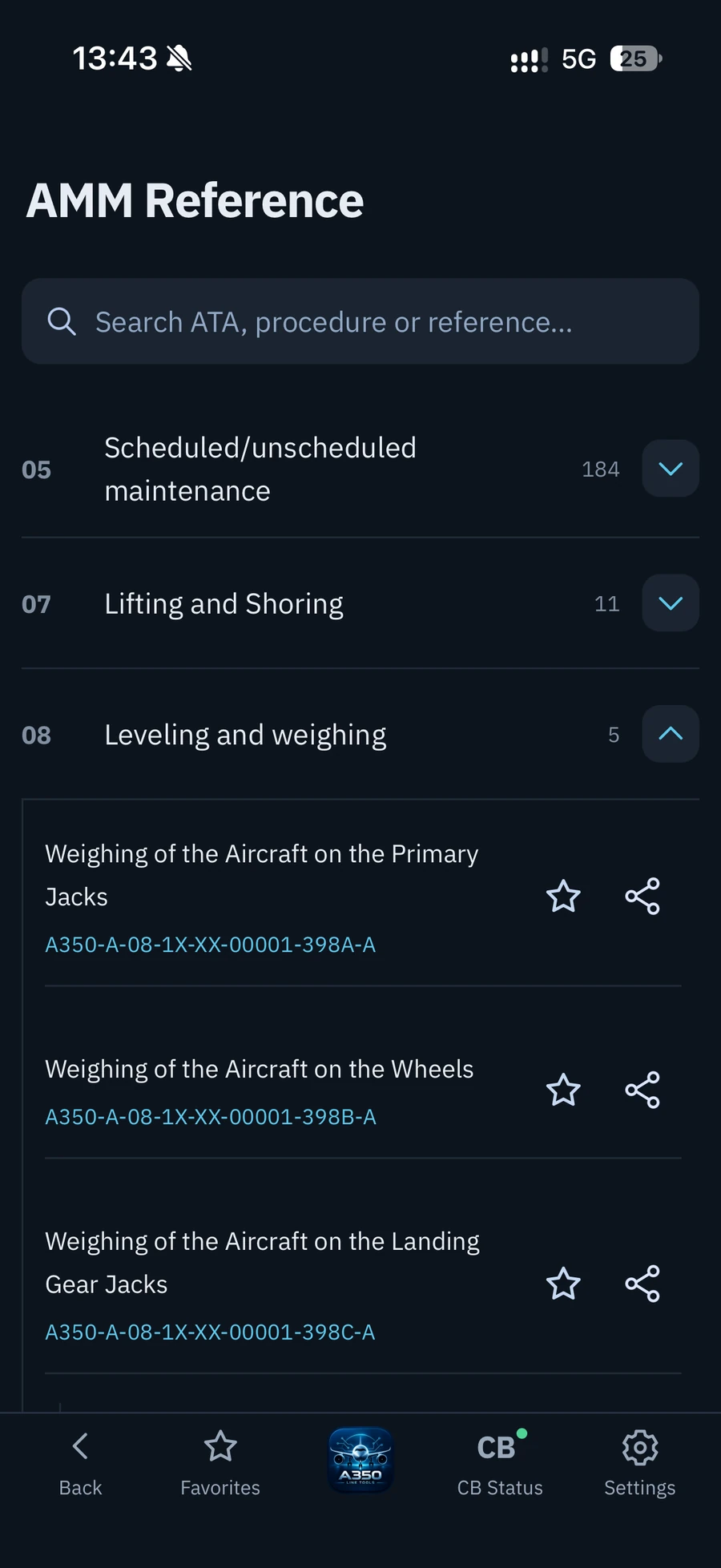
Navigate by ATA chapter, open procedure groups and identify task references in a compact, readable interface.
See exactly how the current application looks on iPhone.
Your modules, all in one place.
Clear status and MEL references.
Procedures arranged by ATA.
Screenshots supplied from the current app. Visuals and content may evolve before launch.
Planned launch price: one payment, with no monthly subscription.
Clear, straightforward pricing for the line maintenance tools you use most often.
The app is currently open during prelaunch. Purchases are not available yet; paid access will launch once license activation is ready.
No. A350 Line Tools is an independent reference companion. It is not an Airbus product and does not replace approved, current aircraft maintenance documentation or company procedures.
The interface is designed as a responsive web app, with a mobile-first experience that also adapts to larger screens.
The planned launch price is €9.99 as a one-time payment, with no monthly subscription. The app is currently open during prelaunch.
Purchases are not available yet. You can open and try the app during prelaunch while payment and license activation are completed.
Open app.350tool.com in Safari, tap Share, then Add to Home Screen. Turn on Open as Web App and tap Add. Install from the app address so your shortcut opens directly into the tools.